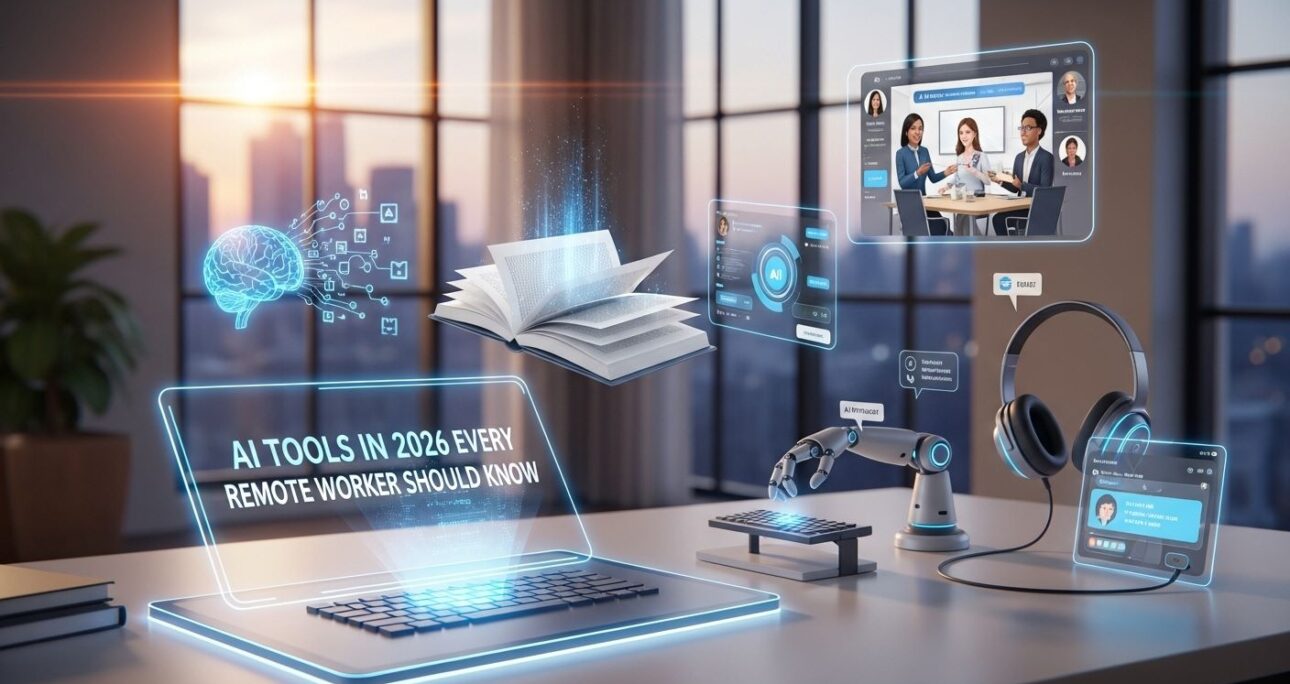
Remote work is no longer a trend — it’s the new normal. But working remotely comes with unique challenges: staying productive, collaborating effectively, and managing projects without direct supervision. Fortunately, an AI tools in 2026 is transforming the way remote workers operate, making tasks faster, smarter, and more efficient.
From automating repetitive work to enhancing communication, AI can help you focus on high-value tasks, stay organized, and even improve your creativity. In 2026, staying ahead in your career means not just working hard, but working smart with the right tools.
In this article, we’ll explore the most useful AI tools for remote workers, categorized by function, along with practical examples of how to use them to maximize productivity, collaboration, and personal efficiency.
1. AI for Communication & Collaboration
Clear communication is the backbone of remote work. AI-powered tools are helping teams stay connected, reduce misunderstandings, and save time.
- ChatGPT & Microsoft Copilot: Draft emails, generate summaries, create instant reports, or answer repetitive queries. Example: Instead of manually summarizing a meeting, use AI to produce a concise summary for your team.
ChatGPT |
Microsoft Copilot - Slack AI Features: Automate reminders, create chatbots for FAQs, and streamline team interactions.
Learn more - Zoom AI: Automatic transcription and highlight key moments in meetings for easy reference.
Learn more
Pro Tip: Pair these tools with clear communication guidelines. AI can save hours every week, but human clarity ensures the message remains accurate and aligned.
2. AI for Project & Task Management
Managing tasks remotely can feel overwhelming without proper structure. AI tools help you prioritize, plan, and track progress effortlessly.
- Trello AI / ClickUp AI: Automate task assignments, generate summaries, and optimize timelines.
Trello AI |
ClickUp AI - Notion AI: Convert notes into actionable tasks, create smart databases, or summarize lengthy documents.
Learn more
Example Use Case: A project manager can upload weekly plans into Notion AI and get a streamlined summary with prioritized tasks for the team.
Tip: Focus on tools that integrate with your existing workflow. This reduces friction and ensures adoption.
3. AI for Design & Content Creation
Remote work often requires creative outputs, from graphics to written content. AI accelerates these tasks while maintaining quality.
- Canva AI: Automatically generate design templates, edit visuals, and resize graphics for multiple platforms.
Learn more - Jasper AI / Copy.ai: Write blog posts, marketing copy, or social media captions in minutes.
Jasper AI |
Copy.ai - Runway: Edit videos and add AI-powered effects quickly.
Learn more
Pro Tip: Use AI for drafts, then add your personal touch. Automation speeds things up, but human creativity makes the content resonate.
4. AI for Data Analysis & Reporting
Data is valuable, but analyzing it manually is time-consuming. AI tools simplify insights and decision-making.
- Tableau AI / Power BI with AI: Automatically generate charts, dashboards, and trend reports.
Tableau AI |
Power BI AI - ChatGPT for Data Summaries: Input raw numbers and get easy-to-understand summaries for presentations.
Learn more
Example: A remote marketer can feed weekly website analytics into ChatGPT and receive a summary report with actionable recommendations, saving hours of manual work.
Tip: Always double-check AI outputs for accuracy, especially in critical reports. AI is a tool, not a replacement for human judgment.
5. AI for Personal Productivity & Focus
Staying focused while working remotely is challenging. AI can help plan your day, reduce distractions, and automate repetitive tasks.
- Motion: Automatically schedules tasks and optimizes your calendar for maximum productivity.
Learn more - TimeHero: Tracks task progress and predicts deadlines to keep you on track.
Learn more - Notion AI Assistant: Creates daily checklists and helps with goal tracking.
Learn more
Example: A remote developer can use Motion to plan coding sessions, reminders for breaks, and prioritize urgent tickets automatically.
Pro Tip: Combine AI scheduling with time-blocking for focused work periods. This maximizes output while minimizing burnout.
Conclusion
AI tools are no longer optional — they are essential for remote workers who want to stay productive, competitive, and organized in 2026. From communication and collaboration to task management, content creation, and personal productivity, these tools save time, reduce stress, and enhance results.
Start by experimenting with one or two tools in each category. Over time, you’ll build a custom AI toolkit that fits your workflow perfectly. Remember, AI is here to augment your work, not replace your creativity or judgment.
Call to Action (CTA): “Which AI tool will you try first to boost your remote work productivity? Share your experience in the comments and help other remote workers stay ahead!”